 sales@dasinfomedia.com


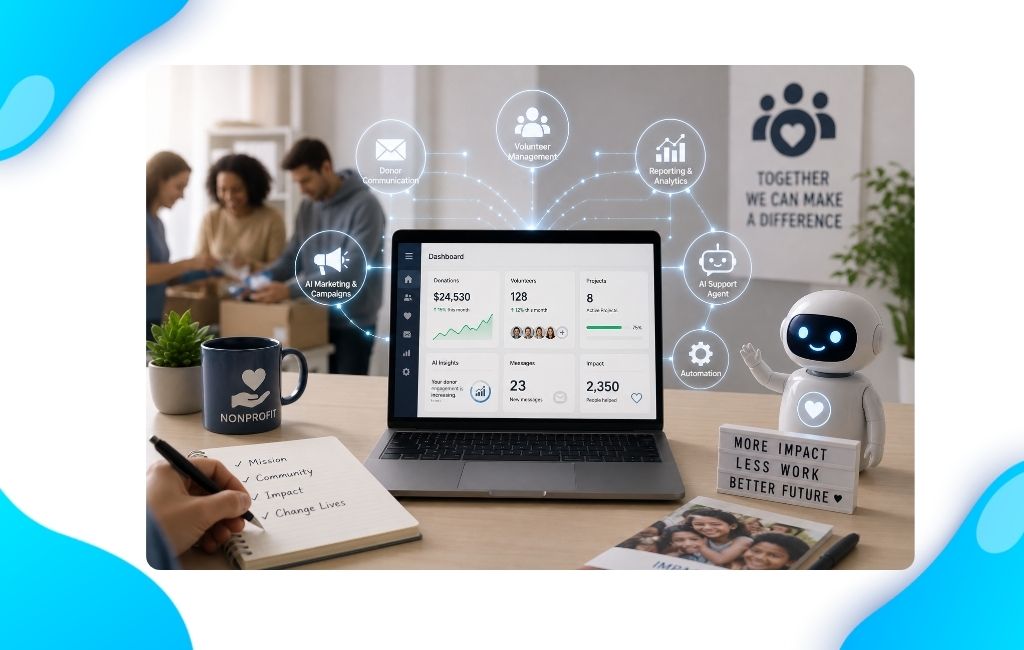
Why Nonprofits Need AI
Nonprofit organizations are under increasing pressure to do more with fewer resources. Teams often juggle fundraising, donor relationships, volunteer recruitment, community support, marketing, and compliance reporting -all at the same time.
Rather than replacing people, AI automates the repetitive work and gives your team back the time to focus on mission and community impact. Three challenges appear across virtually every nonprofit:
👥 Limited Staff & Volunteers
-
 Small teams handle multiple responsibilities
-
Simultaneously with no room to breathe
💰 Tight Budgets
-
Heavy dependence on grants, donations and fundraising
-
Leaves no margin for inefficiency
📋 Heavy Admin Work
-
Donor communication and grant applications
-
Compliance reporting and social media tasks
AI reduces this workload and helps organizations become measurably more efficient – without a large technology budget.
Everyday AI Tools Nonprofits Can Start Using Today
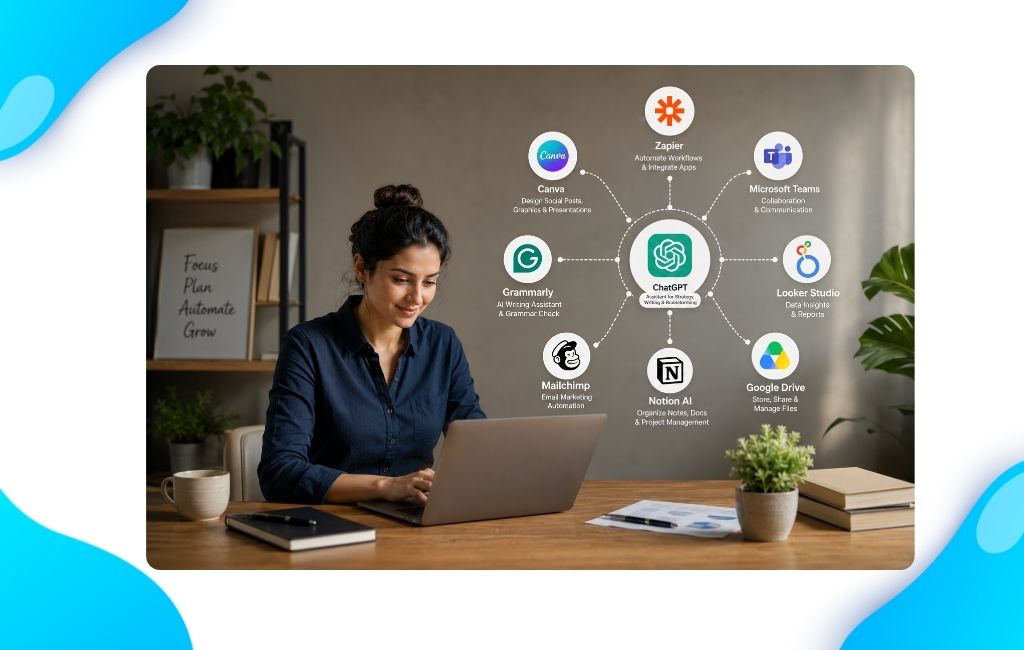
Organizations don’t need expensive custom software to begin. These AI tools are already available – many offer free or discounted nonprofit tiers.
| AI Tool | Company | Use Case |
|---|---|---|
| ChatGPT | OpenAI | Content creation, grant writing, campaigns |
| Claude | Anthropic | Long-form documents and strategic planning |
| Gemini | Research and Google Workspace integration | |
| Meta AI | Meta | Social content generation |
| Copilot | Microsoft | Office automation |
| Grok | xAI | Research and brainstorming |
Prompt Engineering: The Key to Better AI Outputs
AI is only as useful as the instructions you give it. Prompt engineering is simply the skill of telling AI exactly what you want. The clearer your instructions, the more accurate and useful the response.
A strong prompt includes four parts:
| Name | Description |
|---|---|
| Role | Tell AI who it should act as. Example: “You are an experienced nonprofit fundraising director.” |
| Objective | Explain what you want it to create or accomplish. Example: “Create a 30-day donor acquisition campaign.” |
| Context | Provide background about your organization. Example: “We’ve supported children’s literacy for 10 years.” |
| Instructions | List specific tasks: write emotional stories, show impact metrics, include email templates, add social media ideas. |
Example Prompt You Can Use Right Now:
📋 Copy & Paste This Prompt:
The more specific your Prompt, the more useful and accurate the AI’s response will be.
AI for Fundraising and Donor Engagement
Fundraising is one of the highest-leverage opportunities for AI in the nonprofit sector. AI can create personalized, emotional campaigns in minutes that would previously take days to produce.
AI can Generate:
 Personalized donor emails and thank-you letters
Social media posts tailored to each platform
Video scripts for fundraising appeals
Donation landing page copy
Newsletters and impact reports
Grant application first drafts
DIY: Build a 30-Second AI Marketing Video
4-Step AI Video Workflow
- Write a 60–75 Word Script: Structure it as: Hook → Core Message → Call-to-Action. Keep it emotional, authentic, and specific to your cause.
- Generate a Human-Like Voice: Paste your script into ElevenLabs. Choose a voice that matches your brand tone and download the audio file.
- Generate an AI Video: Upload the audio to D-ID. Select an AI presenter or upload a photo, then export the finished video.
- Publish Across Channels: Share your video on Facebook, LinkedIn, TikTok, YouTube, and other platforms. One video can be reused across multiple channels.
AI Support Agents for Nonprofits
Most nonprofits answer the same questions hundreds of times — “How do I donate?”, “How do I volunteer?”, “Where can I apply for assistance?” An AI Support Agent handles all of these automatically, freeing your team for higher-value work.
Think of an AI Support Agent as a 24/7 receptionist for your website. Benefits include:
- Instant answers: visitors get help the moment they need it, even at midnight
- Better beneficiary support: communities receive faster assistance
- Donor self-service: donors find giving information without waiting for a reply
- Volunteer onboarding : volunteers learn how to participate on their own schedule
DIY: Build an AI Support Agent in 6 Steps
AI Chatbot Setup Workflow
- Create an AI Chatbot Account: Sign up with one of the recommended AI chatbot platforms.
- Add Welcome Messages: Write a friendly greeting that reflects your organization’s voice and helps visitors get started.
- Upload Your FAQs: Import your most common questions and answers so the chatbot can respond accurately.
- Train the AI: Add information about your programs, services, and resources to improve response quality.
- Install the Chatbot on Your Website: Copy the embed code and paste it into your website’s HTML. This usually takes only a few minutes.
- Test and Improve: Ask 10–20 common visitor questions, review the responses, and refine the chatbot where needed.
AI for Volunteer Recruitment
Screening and sorting volunteer applications is one of the most time-consuming tasks in nonprofit operations. AI can analyze every application, generate a match score, and automatically route candidates — without a human reviewing each one manually.
AI evaluates candidates on:
- Relevant experience and skills
- Education and certifications
- Location and availability
- Alignment with your program needs
Automated Volunteer Screening Workflow
- Application Submitted: Volunteers complete your online application form. Responses are automatically saved to Google Sheets.
- AI Analysis & Scoring: AI reviews each application and assigns a match score from 1–10 based on your predefined criteria.
- Automated Routing: Applicants are automatically routed to the appropriate next step based on their AI score, reducing manual review.
- Google Sheets Auto-Updates: Application status and scores update in real time, eliminating manual sorting and ensuring no volunteer is overlooked.
Scoring Logic:
How Dasinfomedia Helps Nonprofits
Dasinfomedia helps nonprofit organizations move from interest to implementation with practical, mission-focused AI solutions.
🗺 AI Strategy
-
Custom roadmap for your mission
-
Aligned with your goals and resources
⚙️ AI Development
-
Build AI solutions for nonprofits
-
Designed for your workflows and compliance
💬 AI Chatbots
-
24/7 support for donors and volunteers
-
Instant answers without extra staff
🔄 Workflow Automation
-
Automate repetitive daily tasks
-
Save time and reduce manual work
📣 AI Marketing Systems
-
Create campaigns and content faster
-
Grow donations with AI-powered marketing
📊 Donor Analytics
-
Track donor behavior and trends
-
Improve donor retention and fundraising
Related Blogs



 +1 813 467 8539
 sales@dasinfomedia.com